


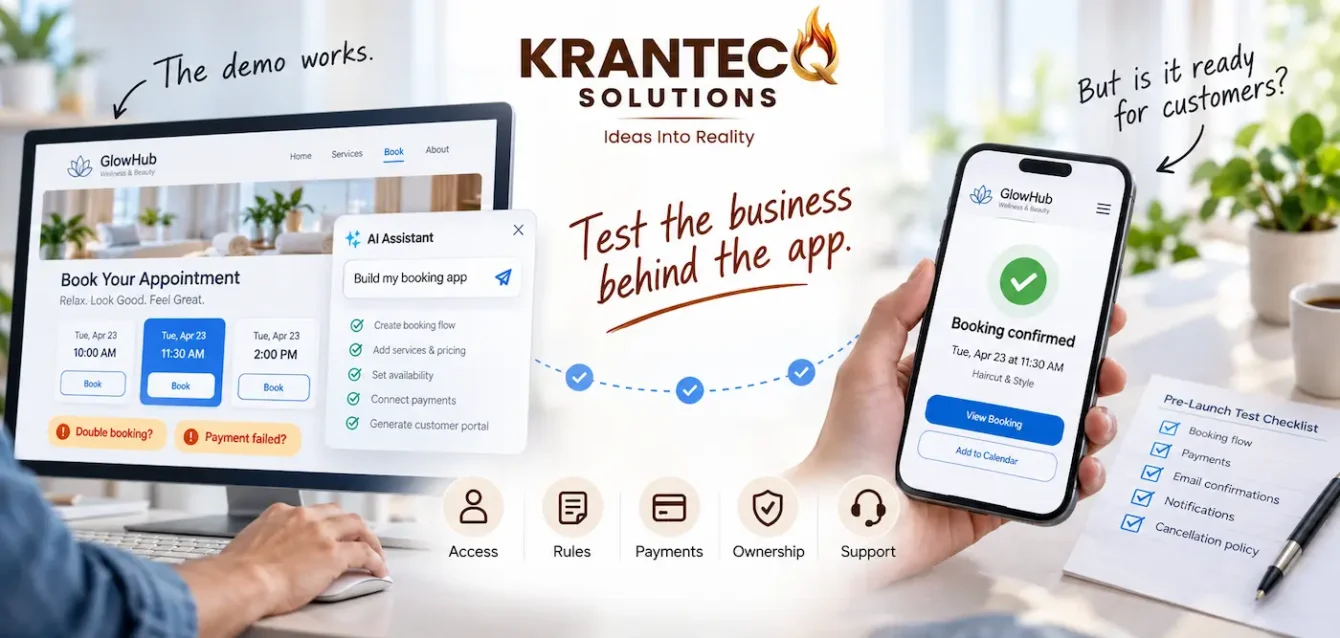
An AI business app can turn an idea into something you can try, show your team, and improve. You describe a booking system, customer portal, or sales dashboard, and an AI tool generates a starting version.
For business owners, that is an appealing way to explore software without beginning with a large development project. However, a polished demo leaves important questions unanswered. Will customer information stay private? Will orders remain accurate? Who will fix the app when something changes?
This guide explains where AI can help and the five checks that matter before customers or employees depend on your software.
What Is an AI Business App?
An AI business app, in this article, means software built with the help of AI development tools. The finished app does not necessarily include a chatbot or any other AI feature.
You might ask a tool to create an appointment system with service selection, available slots, and booking confirmations. It can generate screens and code that you refine through further instructions.
This conversational approach is often called “vibe coding.” The amount of human review varies. A developer using AI while examining the code has a different process from someone accepting generated changes based only on how the screens look.
Where AI Can Help Your Business
An AI business app prototype gives your team something concrete to discuss. Instead of interpreting a written description, employees can try sample workflows and explain what is missing.
Imagine a distributor exploring an order portal. Customers could browse sample products, submit an order, and view its status. Staff could test the dashboard before anyone connects live stock or customer records.
That exercise may reveal that repeat customers need saved orders, staff must approve quantities, or different accounts receive different prices. Discovering these requirements early helps define a useful first version.
AI can also help explore narrow tools such as calculators or dashboards using public information. The review required should reflect the data involved and the consequences of an incorrect result.
AI Business App: 5 Essential Checks Before Launch
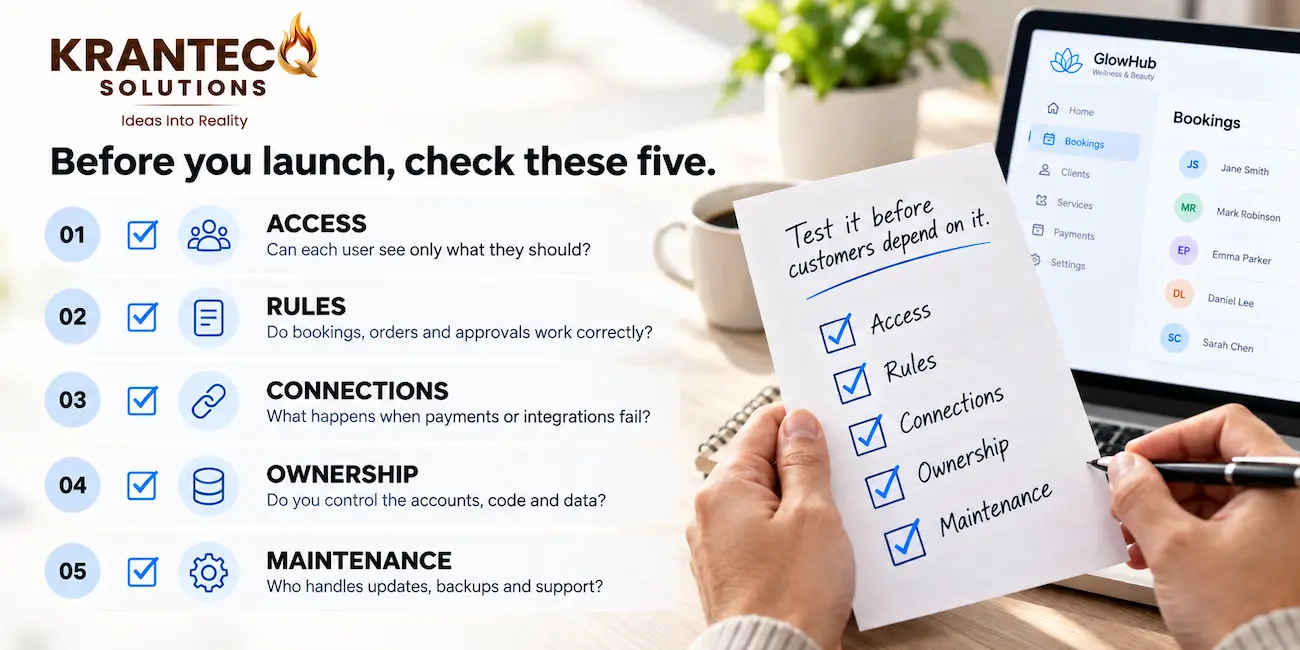
Before launching an AI business app, check its behaviour beyond the successful journey shown in the demo. These five areas help you identify the work needed for real use.
1. Customer Data and Access Permissions
A login screen does not prove that private information is protected. The app must check what each person can view or change whenever they request a record or perform an action.
For example, one customer should never be able to open another customer’s invoice by changing a link. Staff who update orders should receive only the permissions their role requires.
A 2026 research preprint reported vulnerabilities in 91% of the 200 publicly deployed vibe-coded applications it audited. This finding describes the study’s sample, rather than all AI-built software, but reinforces the need for access-control review. Read the research on vibe-coded application security.
2. Your Actual Business Rules
Your AI business app needs to match how your business operates, including common exceptions. A stock dashboard might show quantities correctly while handling cancellations or returns incorrectly.
Write down when an order reserves stock, who can approve discounts, and what happens when a booking is cancelled. Test each rule with realistic examples and check the resulting records.
Include simultaneous actions. Two customers choosing the same appointment slot should not both receive a confirmed booking.
3. Payments and Connections to Other Tools
Payment services, email providers, and accounting platforms can experience delays or interruptions. Your app needs a clear response when a connection fails.
Pressing “Pay” twice should not create duplicate orders. A failed confirmation email should not erase a successful booking. Staff should be able to identify incomplete updates and retry them safely.
Test successful, failed, delayed, and repeated requests before connecting these workflows to live customers.
4. Ownership and Ongoing Costs
Understand who controls the platform account, where information is stored, and whether your data can be exported. Code export and portability depend on the tool you choose.
Estimate the ongoing cost of your AI business app using expected bookings, orders, uploads, and messages. Hosting, storage, and usage-based services may add to the initial subscription.
Also establish who owns the domain, payment account, and other connected services. Clear ownership makes future changes easier to manage.
5. Maintenance and Recovery
Assign someone to investigate errors, manage access, apply updates, and check important workflows after changes. A backup is useful only if it can be restored successfully.
Keep development work separate from live operations. Unit 42 recommends human review of critical code and restricted permissions for AI coding tools. Read Unit 42’s guidance on securing vibe coding.
When Should You Involve a Development Team?
Professional review becomes especially valuable when an AI business app collects payments, stores private records, manages staff permissions, or supports a service customers pay to use.
A development team can assess your prototype, clarify requirements, and identify the changes needed for launch. Depending on its condition, the app may need targeted fixes, substantial revisions, or a rebuild.
For a subscription product, explore Krantecq’s SaaS development services. For a customer-facing web platform, see our website development services.
A Practical Launch Plan for Your AI Business App
Start with one measurable business problem. For example, customers repeatedly call to check orders, taking staff away from other work.
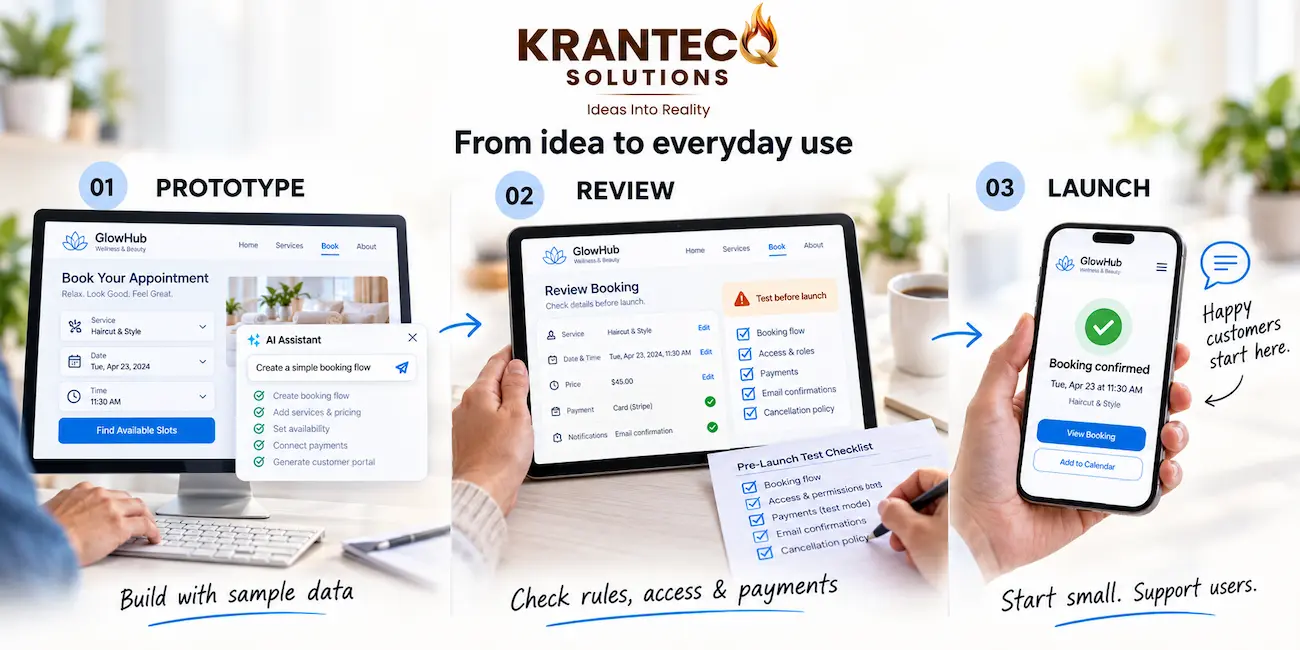
Define a first version that lets customers view accurate order updates. Build with sample data, ask intended users to try realistic tasks, and record missing requirements.
Review permissions, business rules, connections, and recovery procedures. Then introduce the app to a manageable group with a clear support contact.
Track whether it reduces calls, saves staff time, and helps customers complete tasks. Use those results to decide which improvements deserve investment.
Turn Your Idea into Dependable Business Software
An AI business app can help you explore an opportunity and communicate what you need. Its lasting value depends on accurate workflows, appropriate access, and reliable support.
Whether you have a prototype or an idea, Krantecq can help you plan the next stage of development around your business requirements.
Contact Krantecq to discuss your app, the problems it should solve, and the work needed before launch.